Provision or Import Servers in Seconds — No Manual Setup Needed
Whether you’re bringing your own VPS or launching a fresh one — EasyEngine does the heavy lifting.
Key Highlights
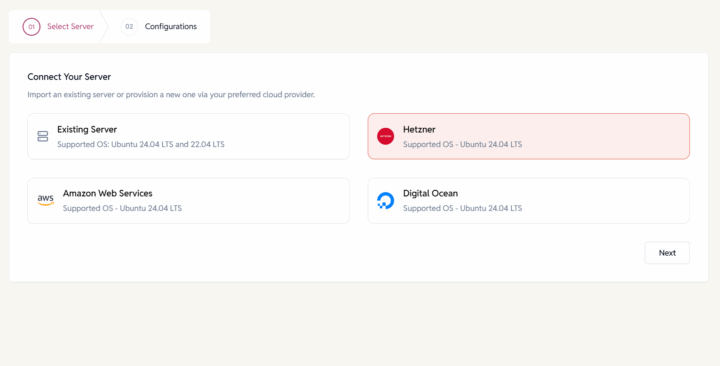
Bring Your Own Server
Import existing Ubuntu (EE-ready) server via SSH key.
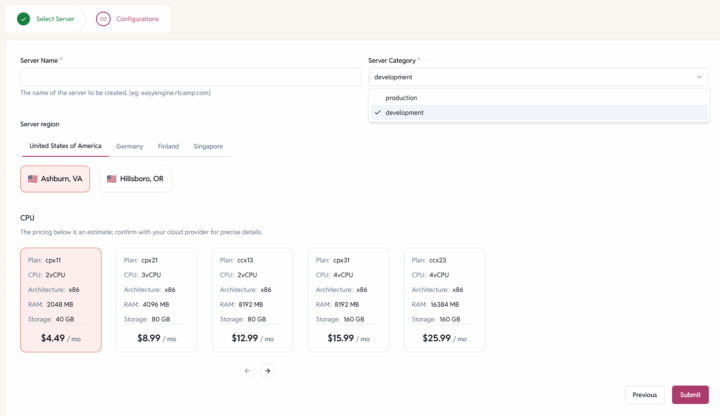
Provision New Servers
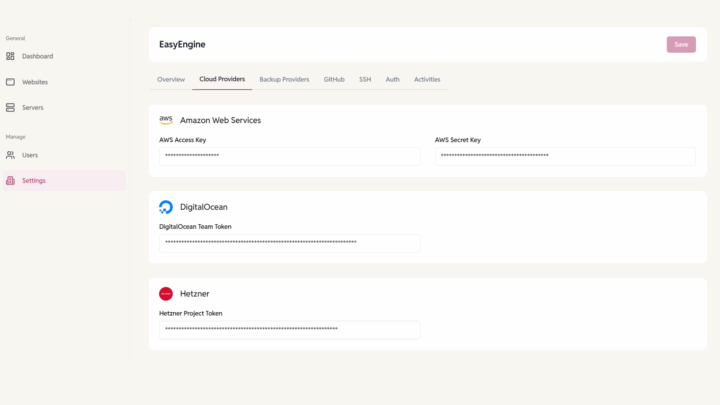
Launch on AWS, DigitalOcean, or Hetzner — fully automated.
NGINX Web Stack
Configured for WordPress & PHP performance from day one.
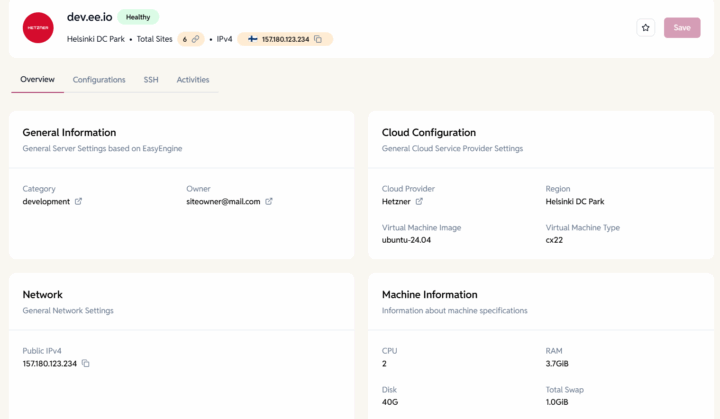
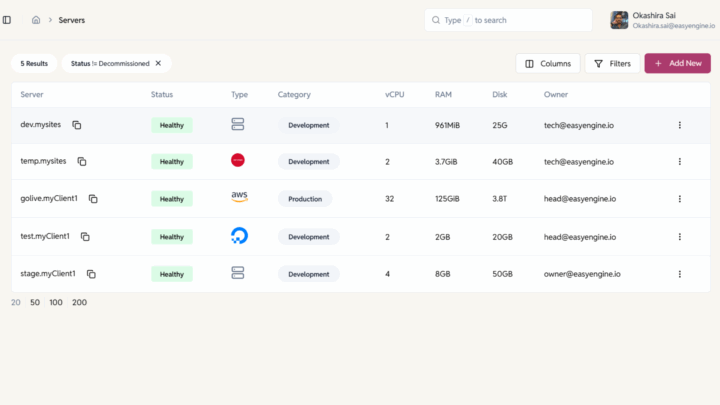
Servers Info
Info of server status, version, OS, EE version and memory
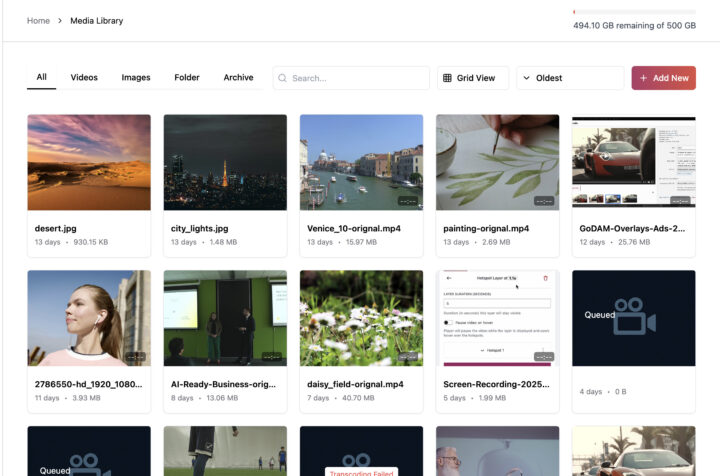
Centralized Media Library
Organize all your videos, images, and folders from multiple sites in one central dashboard. Easily search and sort files, structure your library into folders or subfolders, copy sharable links and a lot more.
How it works
1
Choose a Path
Import existing EE server or provision via cloud provider.
2
Add Server Info
Paste public key to authorize access and test connection
3
Start Managing
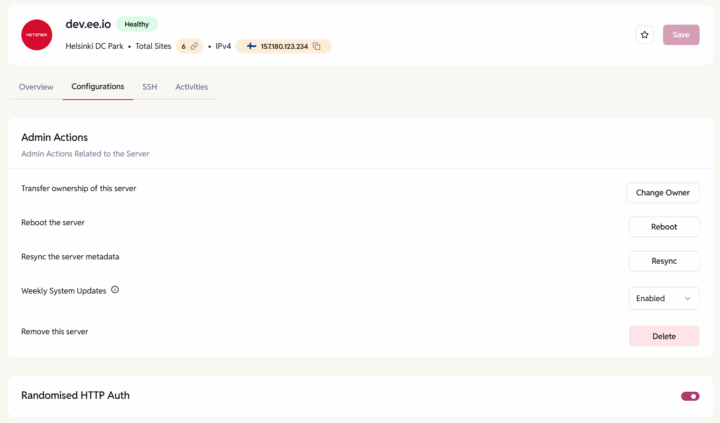
Server is live in the dashboard with cloud configuration info and controls.
FAQ
- 24/7 community support
- Priority email support
- Comprehensive documentation
- Video tutorials
Have more questions?
Yes, servers with EasyEngine pre-installed Or connect to a fresh server.
No, provisioning is automated via the dashboard.
DigitalOcean, AWS, Hetzner and any Ubuntu Server